
3.3.x Extensions Database 3.2 / 3.3mLive Real-time Forum Updates

<span class="qte-attr qte_32_33-qte">3.2.x & 3.3.x</span>
Post Reply Previous topicNext topic
User avatar

Topic Author
dmzx
Founder
Founder
Posts: 6549
Joined: 12 years ago
    Mac OS X Chrome

mLive Real-time Forum Updates

Post by dmzx »

Extension Name: mLive Real-time Forum Updates
Author: dmzx

Special thanks to: martin & Gizmo

Extension Description:
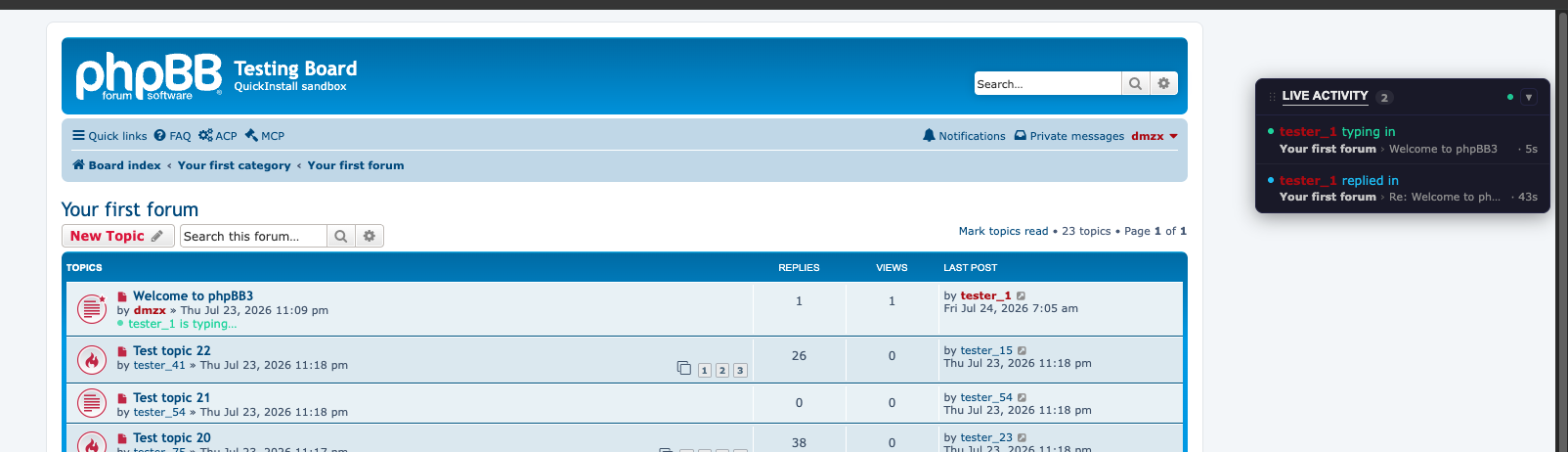
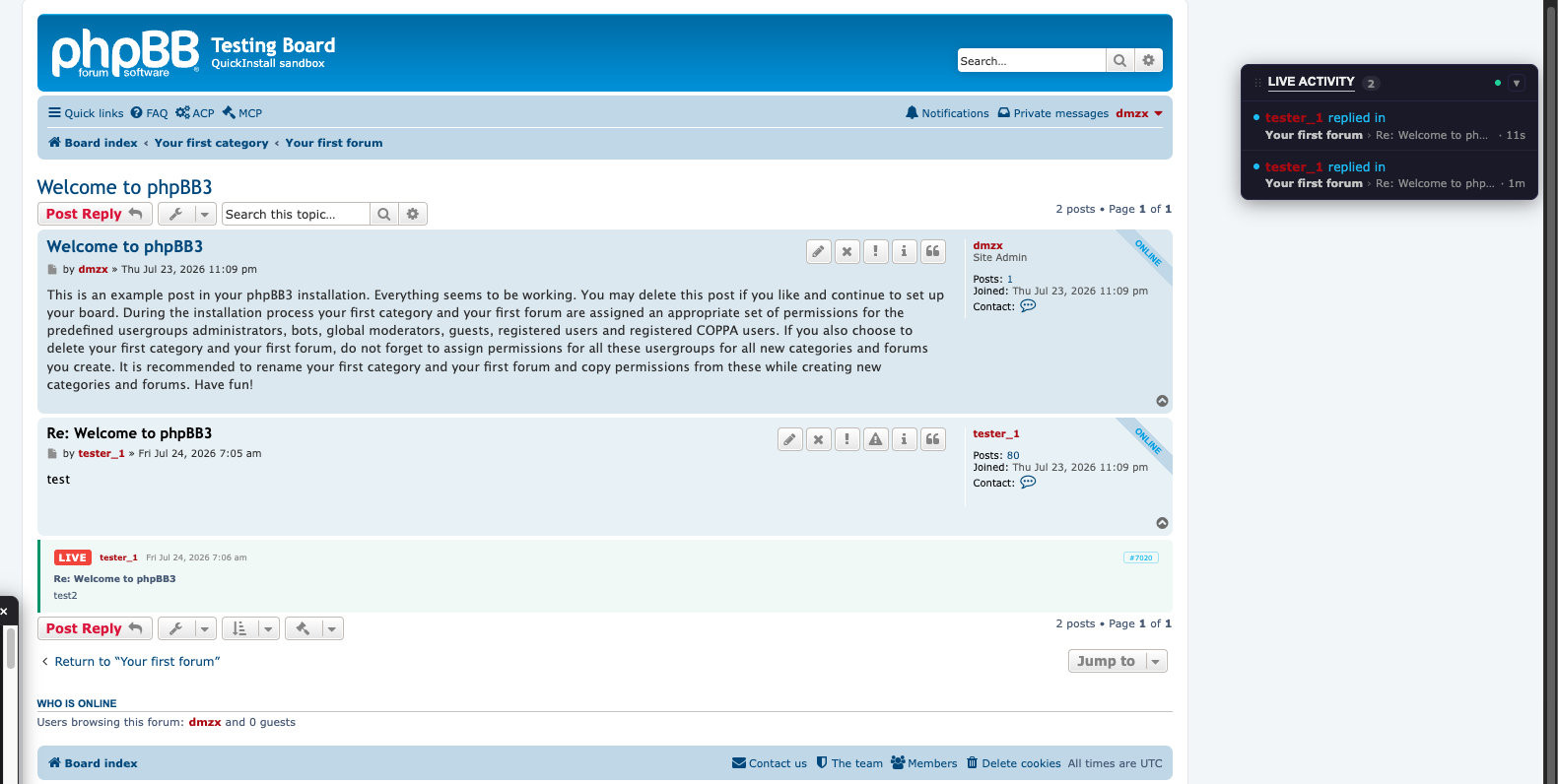
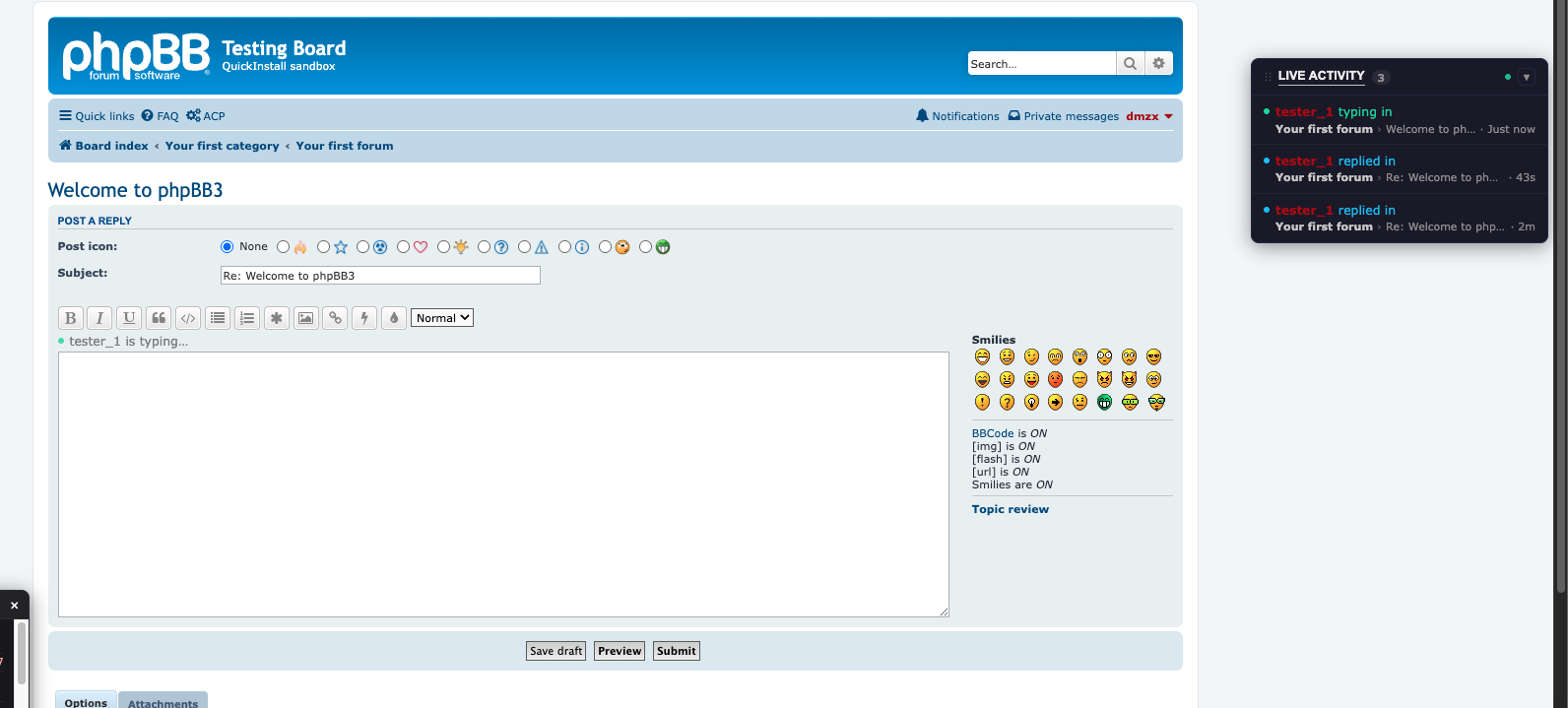
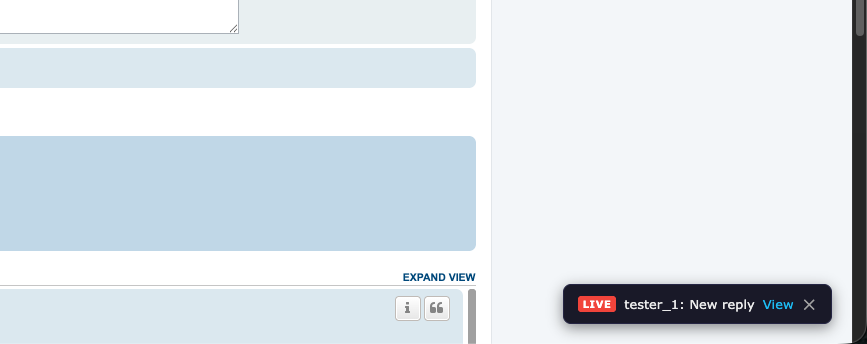
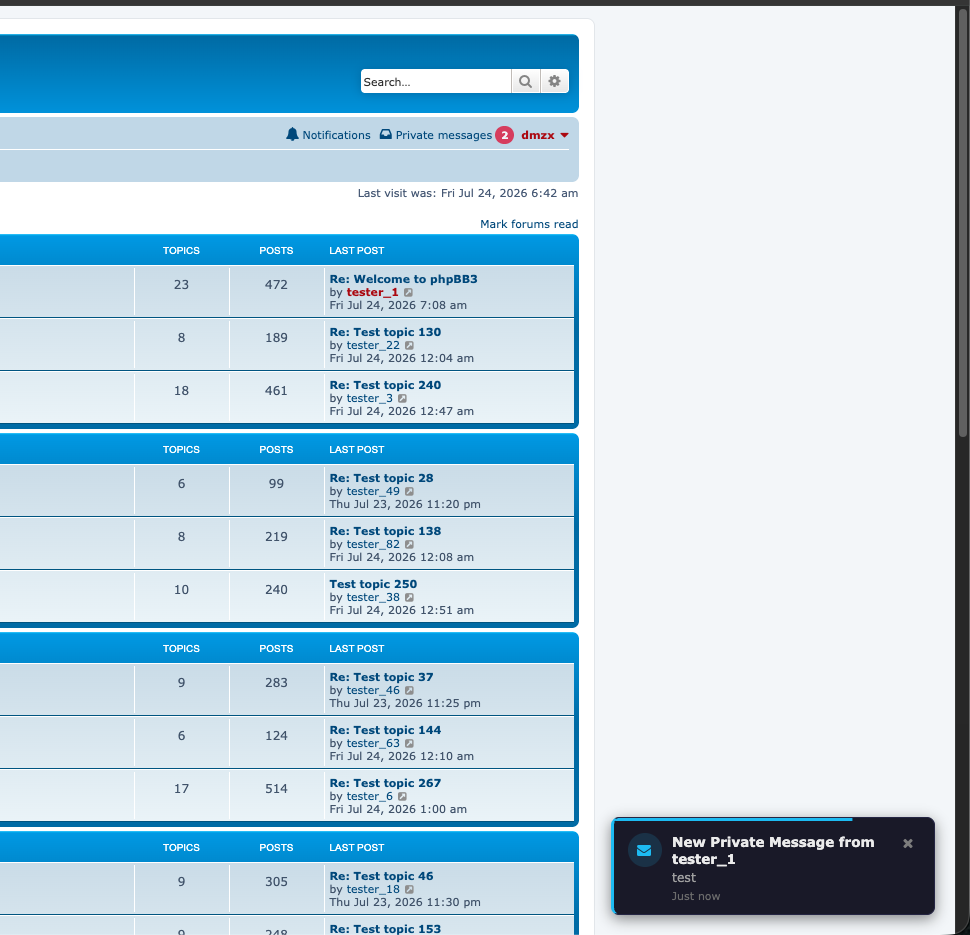
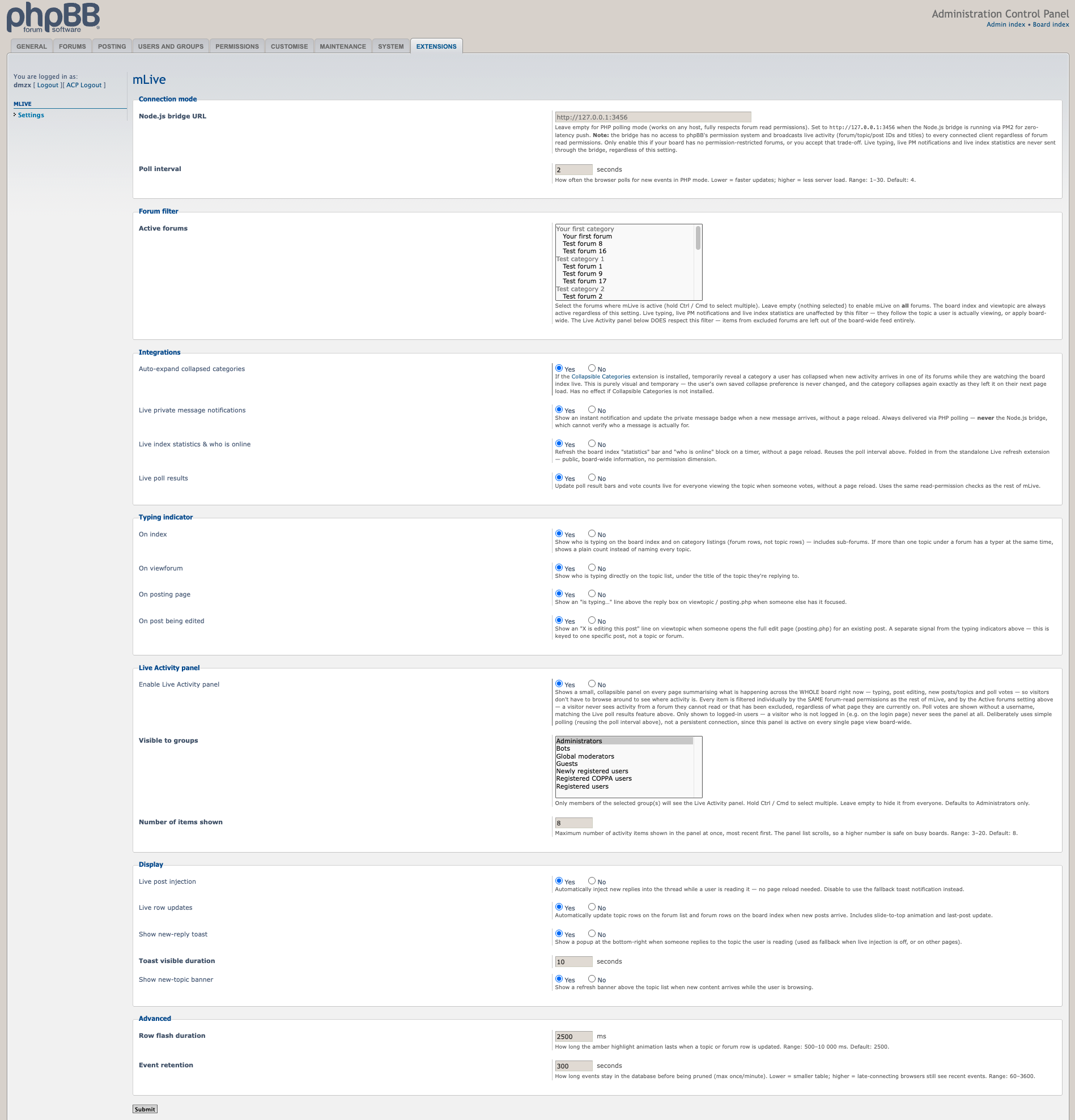
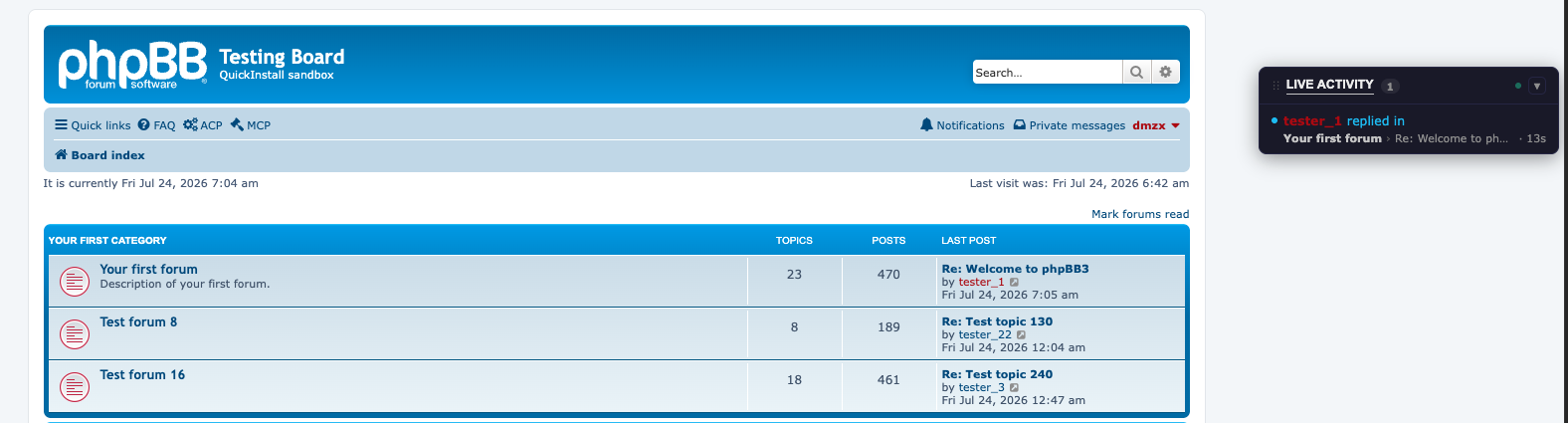
mLive — Real-time live forum updates via Server-Sent Events


Screenshots:
Image

Image

Image

Image

Image

Image

Image


Extension Download:


Installation:
  1. Download the latest release.
  2. Unzip the downloaded release, and change the name of the folder to `mlive`.
  3. In the `ext` directory of your phpBB board, create a new directory named `dmzx` (if it does not already exist).
  4. Copy the `mlive` folder to `/ext/dmzx/` if done correctly, you'll have the main extension class at
    (your forum root)/ext/dmzx/mlive/composer.json
  5. Navigate in the ACP to `Customise -> Manage extensions`
  6. Look for `mLive Real-time Forum Updates` under the Disabled Extensions list, and click its `Enable` link.


User avatar

Topic Author
dmzx
Founder
Founder
Posts: 6549
Joined: 12 years ago
    Mac OS X Chrome

Re: mLive Real-time Forum Updates

Post by dmzx »

First post updated.

User avatar

lopoto
Users
Users
Posts: 78
Joined: 11 years ago
    Mac OS X iPhone

Re: mLive Real-time Forum Updates

Post by lopoto »

Thanks

Post Reply Previous topicNext topic