



Author: dmzx
Extension Description:
Custom Header Logo displays logos and background images in the header. This can changed for all forums and categories independently.
You can also add a logo and background images to all pages like search, memberlist or user control panel - even in subdirectories and pages with queries.
Note:
Path for logo images: images/chl_logos
Path for background: images/chl_backgrounds



- Add random video for header (index only), can exclude video.

- Update code for uploading images/video.
- Support of video in background logos.
- Various code updates, redo ACP style.
- Added option to switch off SITENAME and SITE_DESCRIPTION when logos are presented.

- Update code for 3.3.x.
- Add showpage name for admin.
- Change code for background image cover.
- Change code for site logo image responsive

- Updated to board_url
- Updated code to set width and height in acp.

- Twig update
- Load language update
Screenshots:

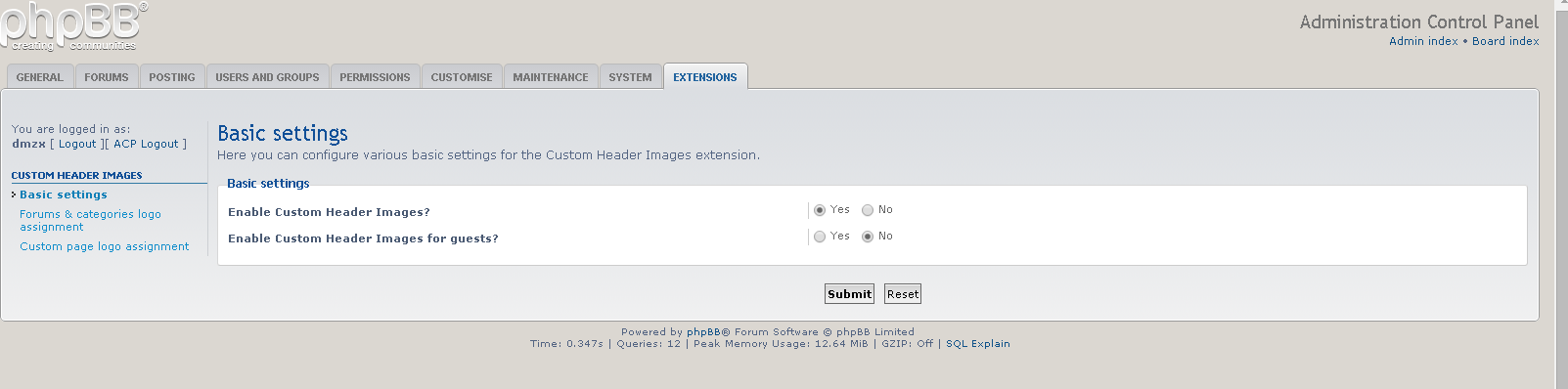
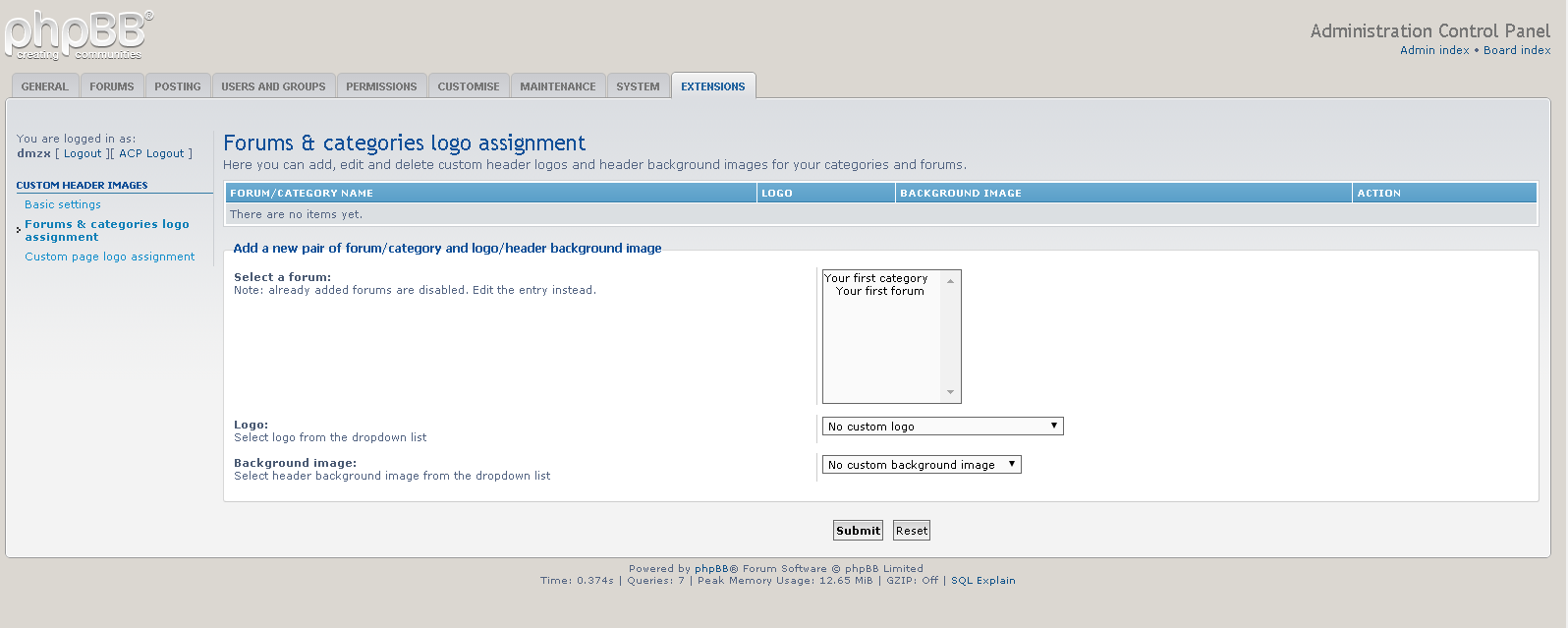
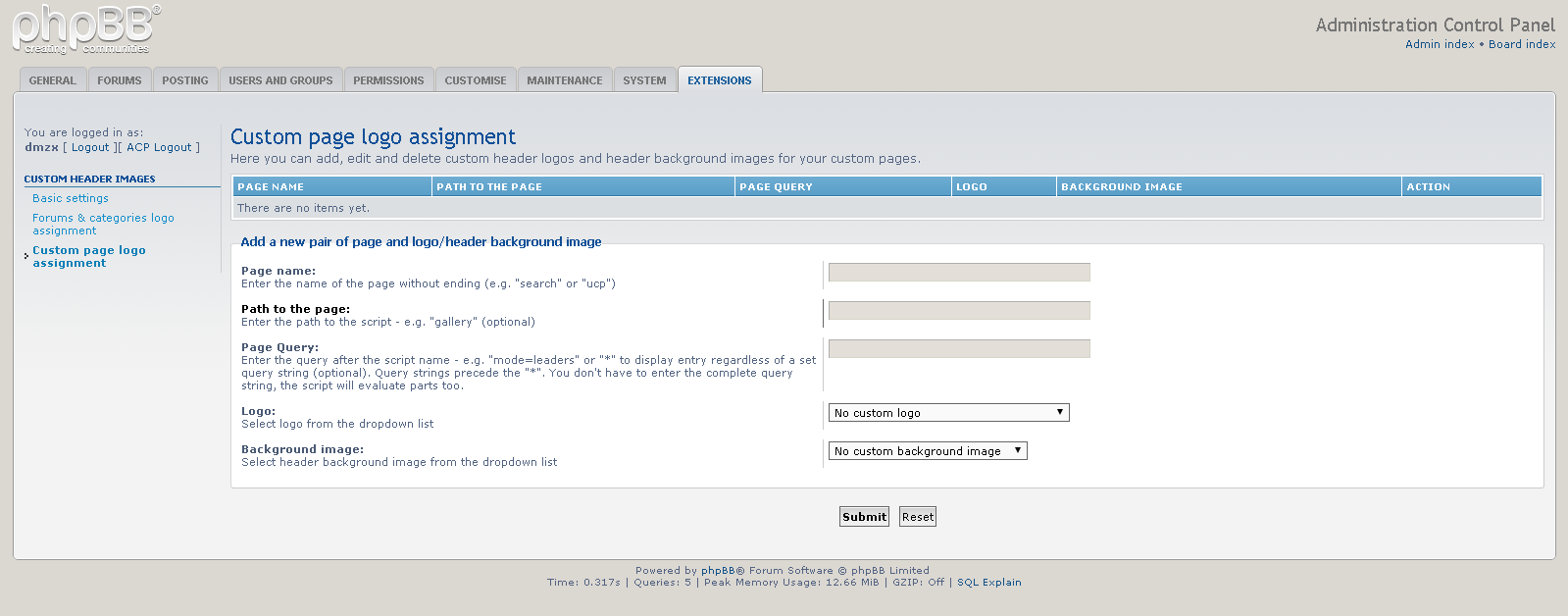


Extension Download:
- Download-link
- Custom Header Logo v1.0.5
- Download the latest release.
- Unzip the downloaded release, and change the name of the folder to `chl`.
- In the `ext` directory of your phpBB board, create a new directory named `dmzx` (if it does not already exist).
- Copy the `chl` folder to `/ext/dmzx/` if done correctly, you'll have the main extension class at
(your forum root)/ext/dmzx/chl/composer.json - Navigate in the ACP to `Customise -> Manage extensions`
- Look for `Custom Header Logo` under the Disabled Extensions list, and click its `Enable` link.